



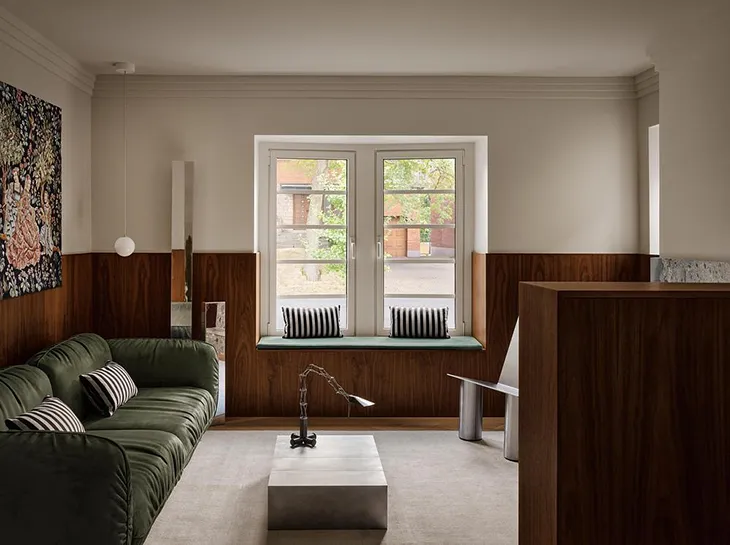
Rooms change faster than most people expect. A spare room becomes an office, the sofa moves to the other wall, a wardrobe goes up in front of a window, and an extension adds a whole new space. A security system fitted for the house as it looked on installation day can quietly stop covering it. A motion detector now faces the back of a bookcase, and a window sensor sits behind a curtain rail that wasn’t there before.
The answer is to choose a system that expects the layout to change. Here is how to set one up, using Ajax Systems as an example.
Start with a hub that has room to grow
Everything reports to the hub, and replacing it is the one change that means redoing the lot. The Hub 2 Plus supports up to 200 devices, which is far more than a typical home needs on day one. That is the point. You can add a sensor when you convert the loft without touching what’s already installed.
It connects by Ethernet, Wi-Fi, and two SIM cards, and it runs for up to 15 hours on its own battery. Put it in a cupboard or on a shelf away from the front door. Because sensors reach it by radio, thick walls matter more than cable routes, so check the signal strength in the app before you fix anything permanently.
Choose devices you can move
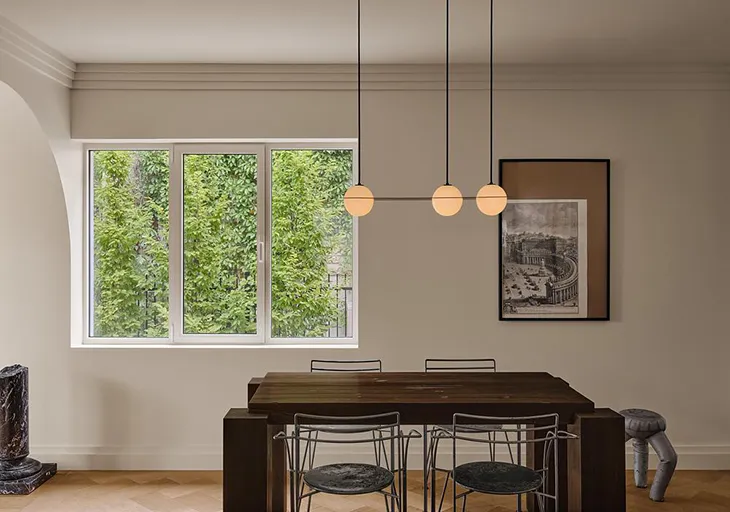
This is where wireless earns its place. Sensors are held on with adhesive or a couple of screws, and none of them depend on a cable in the wall. If you redecorate, a sensor comes off and goes back on elsewhere. In the app, you can rename a device and assign it to a different room, so the system’s picture of the house follows yours.
Some devices need no fixing at all. LeakProtect lies on the floor, so when the washing machine moves from the kitchen to a new utility room, the sensor goes with it. It’s a small thing, but it is the sort of change people forget to account for.
Check the sightlines after every rearrangement
Motion detectors are the devices most affected by furniture. MotionCam works from a high corner, takes a short series of photos when it triggers and sends them to your phone. If a new wardrobe or a stack of boxes now blocks that view, it will miss the movement behind it. After any significant change, walk through the room with the system armed in test mode and see whether the detector notices you. It ignores pets up to 20 kg, but a cat on a new shelf above that height is worth testing as well.
Door and window contacts are less fussy. DoorProtect is a two-part sensor, one half on the frame and one on the door, with a battery rated for up to seven years. If you fit new curtains or blinds, make sure nothing presses on the magnet.
Plan by zone, not by room
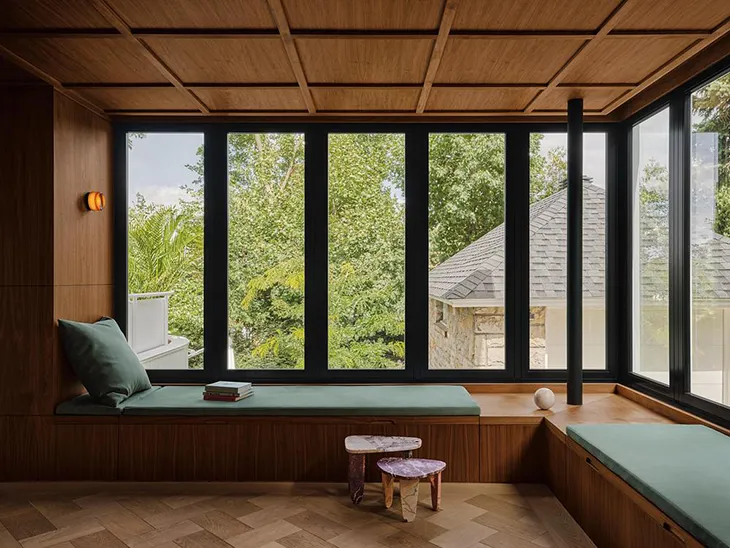
Rooms change names, but the risks stay put. External doors, ground-floor glazing, the places where water enters, and the escape route all remain where they were. So think in zones. Cover every way in, cover the main route through the house, and cover the water and fire risks. Then let the interior shift around those fixed points.
The app’s groups let you arm parts of the house separately, for example, the ground floor at night while people sleep upstairs. If you turn the dining room into a studio, you move a sensor between groups instead of redesigning the arrangement.
Keep fire and water cover separate from the layout
These two don’t care how the room is decorated. FireProtect 2 detects heat, smoke, and carbon monoxide in one unit and reports through the same hub, so a change of ceiling lights or a new kitchen won’t affect how it works. Check the fire alarm requirements for your building. A connected detector adds the phone alert but doesn’t replace what the regulations ask for. Keep LeakProtect near the sink, boiler, and washing machine, wherever they end up.

Cameras and the exterior
Outdoor devices change least, which makes them a good anchor. MotionCam Outdoor takes the same photo-verification approach on a drive or side passage, and cameras sit in the same app as the sensors. If a new conservatory or a garden room changes the line of sight, the wireless range is usually generous. Ajax quotes up to 2,000 metres in open space, though walls reduce it, so test before you commit to a position.
A habit worth building
Every time you change a room, run through a short list:
- Has a piece of furniture blocked a detector’s view?
- Is every door and window sensor still aligned and attached?
- Are the leak sensors where the water actually is now?
- Do new users, such as a lodger or a cleaner, have the right access?
- Does a test alert reach every phone it should?
That takes ten minutes and keeps the system matched to the house.
You don’t need to buy everything at once either. A hub, door contacts, one motion detector, and a leak sensor make a sensible start, and the system can grow with the house. The aim is a layer of protection that follows your changes instead of fighting them, and with wireless hardware, that is quite achievable.
Images from Residence Beloeil: Heritage and Refinement by Atelier Barda.